Background
Winged Spider went through a period of evolution like any project. Originally it didn't use real markdown at all. The New Zealand Chess Federation website that Winged Spider was built to maintain had menus plus content put together with just four basic building blocks, called 'snippet', 'solo', 'panel' and 'grid'. Instead of markdown Winged Spider used a custom text format designed to encode instances of these building blocks only. They were 'marked up' using keywords identified with a leading '@' character, still the favoured way of creating special Winged Spider syntax (but now almost exclusively confined to templates). At a certain point a key improvement idea emerged. Why not use normal Markdown instead, with the snippet, solo, panel and grid features still available as extensions but now identified as distinctive patterns in the markdown? After making this important improvement, all of markdown is now available to supplement the original patterns that are still useful.
Solo, Snippet, Panel and Grid
A 'solo' is a heading, plus an image plus some text that flows around the image. A 'snippet' is a 'solo' without an image. A 'panel' is a specially highlighted snippet. A 'grid' is an attractive grid of annotated images.
The rest of this page illustrates exactly how these features work with examples. Remember that these pages are themselves the Winged Spider example project (programmers often use the unfortunate phrase 'eating your own dogfood' for this concept). If anything here is unclear you can grab the example project to look at the original markdown that corresponds to this page and experiment with it.
This is an Example Solo
For the website that Winged Spider was first used on, small stories were the bread and butter components. A story was basically a heading, a picture and some text. Sometimes the story didn't have a picture, so a distinction was made between stories with an image (a 'solo') and stories without (a 'snippet').
Multiple paragraphs of text are possible, like this. To make a solo just like this, write markdown like this;
Code for the example solo
##This is an Example Solo  For the website that Winged Spider was first used on, small stories were the bread and butter components. A story was basically a heading, a picture and some text. Sometimes the story didn't have a picture, so a distinction was made between stories with an image (a 'solo') and stories without (a 'snippet').
Multiple paragraphs of text are possible, like this. To make a solo just like this, write markdown like this;
The pattern is a ##heading, then a markdown image, then one or more paragraphs of text. Blank lines should prefix and suffix the entire pattern (and the other patterns discussed here). Any slight variation in the pattern, for example a blank line between the heading and the image specification (which both use standard markdown syntax) will not trigger the special 'solo' template and will just be passed through to the normal markdown processor. This is a feature not a bug, perhaps you want to have a heading, an image and some paragraphs but not presented as a 'solo' as defined in the Winged Spider template. That's okay, you can do it by (for example) introducing a blank line after the header, or using the alternative underline header syntax, or making any other deviation from the strict 'solo' pattern seen in the example above. Solo formatting is defined by the @solo template in template-md.txt
This is an Example Snippet
In fact this is just normal markdown, it turned out that the concept of a snippet (a heading plus text) was perfectly handled by markdown without any special syntax. There's no longer a '@snippet' section in the template file. The idea of a snippet is retained only to help make sense of the other markdown extensions.
Code for the example snippet
Here is the (perfectly normal, no extensions) markdown corresponding to the example snippet above;
## This is an Example Snippet
In fact this is just normal markdown, it turned out that the concept of a snippet (a heading plus
text) was perfectly handled by markdown without any special syntax (Doh!) There's no longer a '@snippet'
section in the template file. The idea of a snippet is retained only to help make sense of the
actual markdown extensions.
This is an Example Panel
A panel is like a snippet, but is reserved for something that serves as a special message that attempts to draw the user's attention. In the standard template distributed with Winged Spider a panel is a purple box.
Like a solo or a snippet, a panel can have multiple paragraphs like this.
Code for the example panel
The panel formatting is defined by the @panel template in template-md.txt. Here is the markdown corresponding to the example panel above (it's just a snippet with the special intro text '(panel)';
##(panel)This is an Example Panel
A panel is like a snippet, but is reserved for something that serves as a special message that
attempts to draw the user's attention. In the standard template distributed with Winged Spider a
panel is a purple box.


Like a solo or a snippet, a panel can have multiple paragraphs like this.
Putting Images in Grids
I wanted to use the facilities of the 'pure' CSS framework I was using to organise attractive grids of annotated images. There are similar facilities in all of the competing CSS frameworks, but not in unimproved markdown itself. I hope in time that there will be other Winged Spider templates available for other popular CSS frameworks.
The @grid extensions I used in my pre-markdown markup system was a little clunky and using specific patterns of real markdown instead is actually a great improvement. Here are some examples;
Rows of up to three images
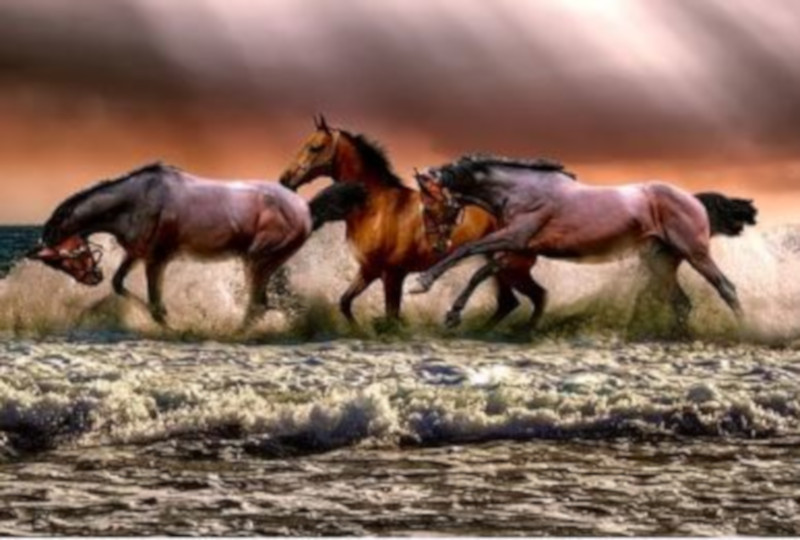
This is a group of wild horses. All of these images were picked off pixabay.com
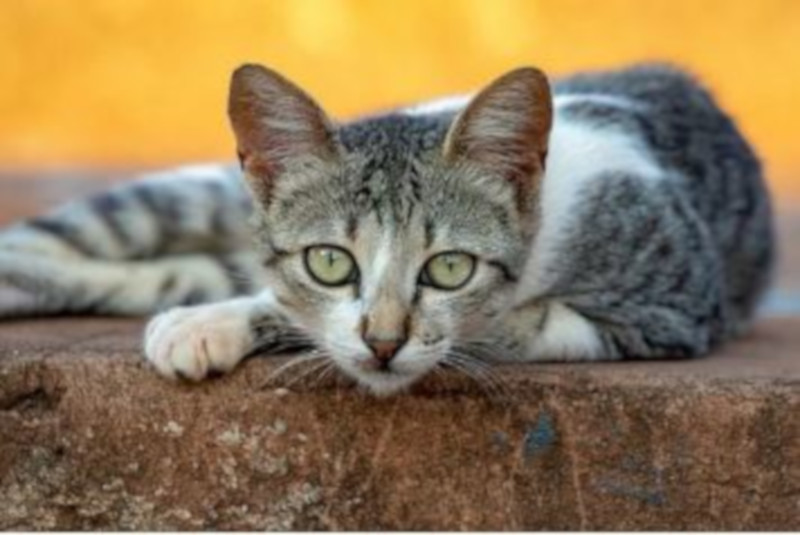
A cat. Helpfully pixabay.com offers completely free images with no need for royalties or even attribution, even for commercial purposes
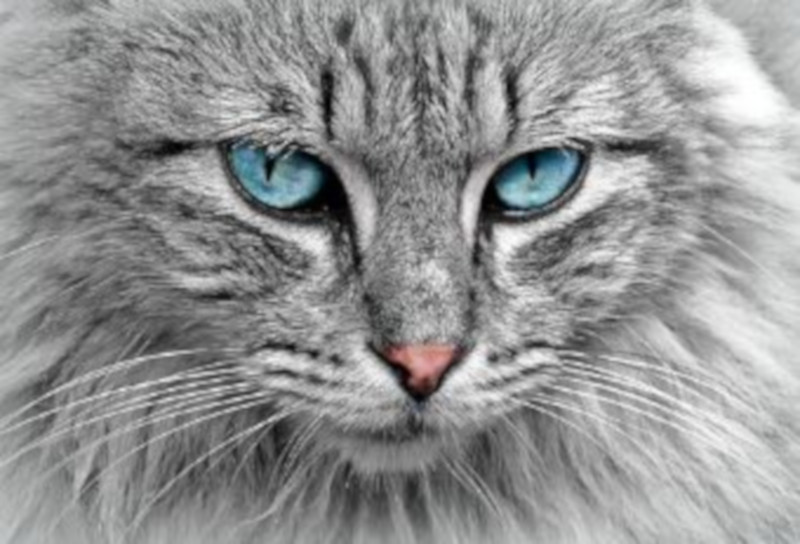
A second cat
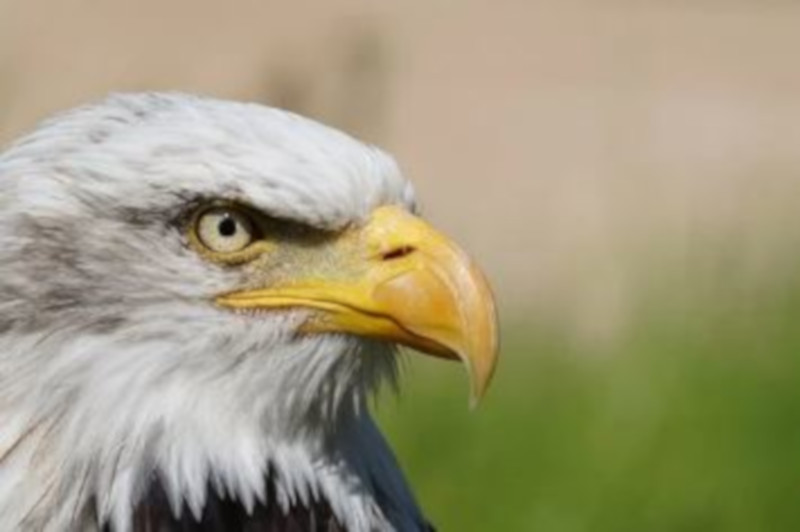

An eagle is somehow always noble and dignified
This a rather attractive dog, it completes an array of five images using the default arrangement, which is rows of three with a ragged/incomplete final row if, as in this case, there is not a multiple of three images in the array
Code for the three images in a row example
Here is the markdown corresponding to the five image array above. It is just normal markdown image syntax, one image per line, at indent zero. There must be a blank line before and after the grid. To avoid invoking the grid template feature, so that markdown image syntax is passed through to the markdown processor instead, introduce something that violates this strict pattern (as discussed previously for the solo pattern). Probably the simplest violation is an indent, even a single leading space will do.
This is a group of wild horses. All of these images were picked off [pixabay.com](https://pixabay.com) A cat. Helpfully [pixabay.com](https://pixabay.com) offers completely free images with no need for royalties or even attribution, even for commercial purposes A second cat An eagle is somehow always noble and dignified This a rather attractive dog, it completes an array of five images using the default arrangement, which is rows of three with a ragged/incomplete final row if, as in this case, there is not a multiple of three images in the array
Rows of less than three images
This is a group of wild horses. All of these images were picked off pixabay.com
A cat. Helpfully pixabay.com offers completely free images with no need for royalties or even attribution, even for commercial purposes
A second cat
An eagle is somehow always noble and dignified
This a rather attractive dog, this time it occupies the whole row itself
Code for the less than three images in a row example
Once again the grid pattern is just a list of images in markdown format, at zero indent, preceded and succeeded by a blank line. The difference in this example to the previous one is that additional blank lines are added, within the grid to break it up into groups of less than three images. These groups get arranged into their own rows, of less than three images.
This is a group of wild horses. All of these images were picked off [pixabay.com](https://pixabay.com) A cat. Helpfully [pixabay.com](https://pixabay.com) offers completely free images with no need for royalties or even attribution, even for commercial purposes
A second cat An eagle is somehow always noble and dignified
This a rather attractive dog, this time it occupies the whole row itself
Grid Templates
Formatting of the grids is defined by the five grid templates in template-md.txt. The templates are @single (a row of 1 large picture), @pair (a balanced row of 2 pictures), @triple (a full row of three pictures), @1of3 (a ragged final row of just 1 small picture of 3) and @2of3 (a ragged final row of 2 small pictures of 3).